Premium web IPTV player

Your channels, on every screen you already have.

tesiptv is a player for people who bring their own Xtream Codes subscription. It runs in the browser, so there is nothing to install. It is built for the phone, the tablet, the laptop and the TV, and for the Tesla in-car browser: full screen while you are parked, and a QR code so you do not type in the car.

tesiptv does not supply any TV channels or content. You bring your own subscription.

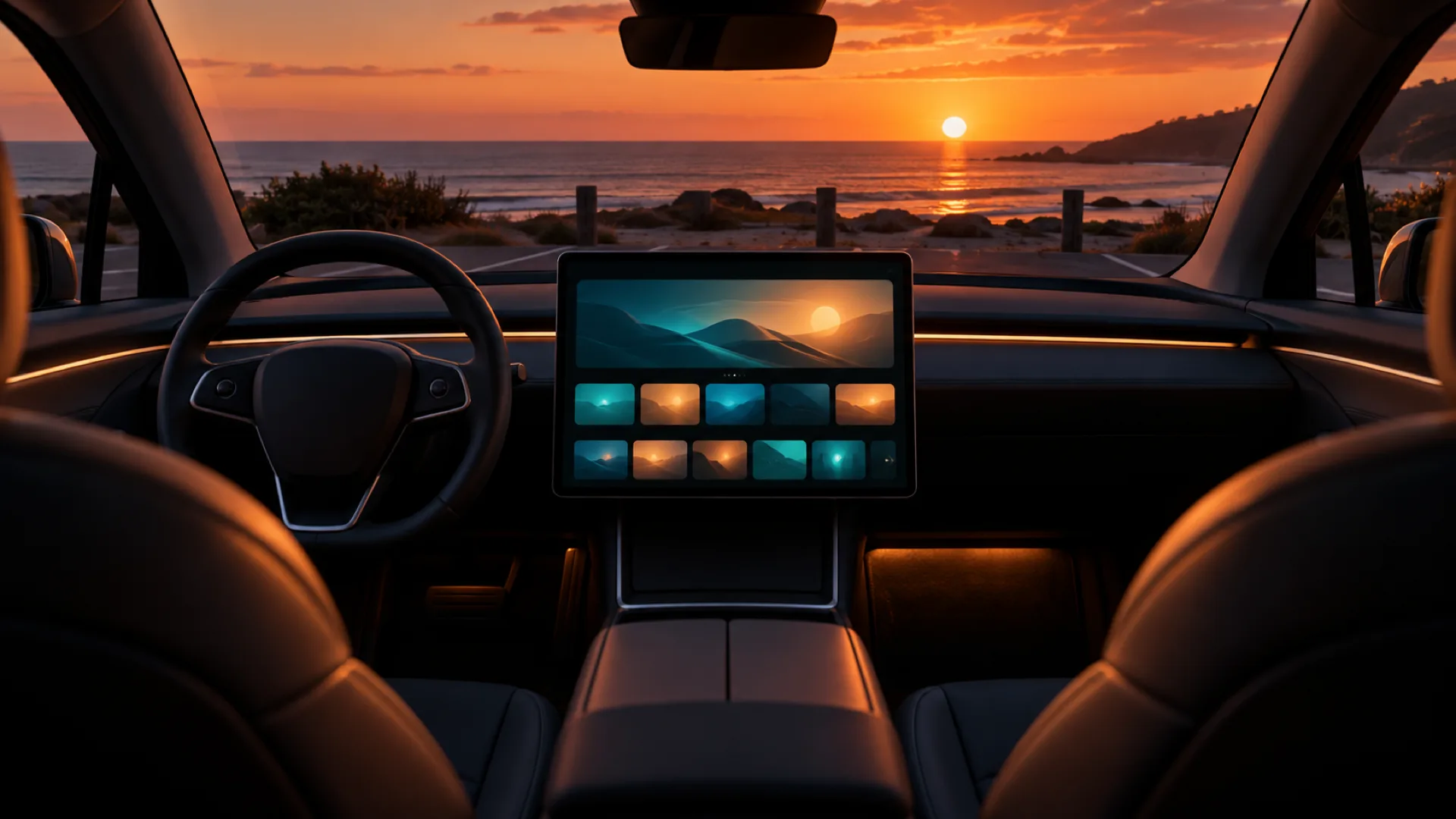
From the front seats of a parked car at sunset, the centre screen shows a dark video player over a coastal road.

Works everywhere

One site, every screen. If the browser can play H.264 video, it can run tesiptv. No app store, no box to plug in.

The same dark player on a television, a laptop, a phone, a tablet, and a car dashboard screen.
  • Phone
  • Tablet
  • Laptop
  • TV
  • In-car browser

A huge list, made small

Providers ship thousands of channels. tesiptv keeps the ones you care about in front, and leaves the rest out of the way.

Dark glass interface with a grid of favourite tiles marked by stars, next to a glowing programme timeline.

Channels

Favourite channels and categories

Star the channels you actually watch. Pin whole categories. Hide the rest. A provider list that runs to the thousands becomes a short row of favourites, with fast search when you still need to look something up.

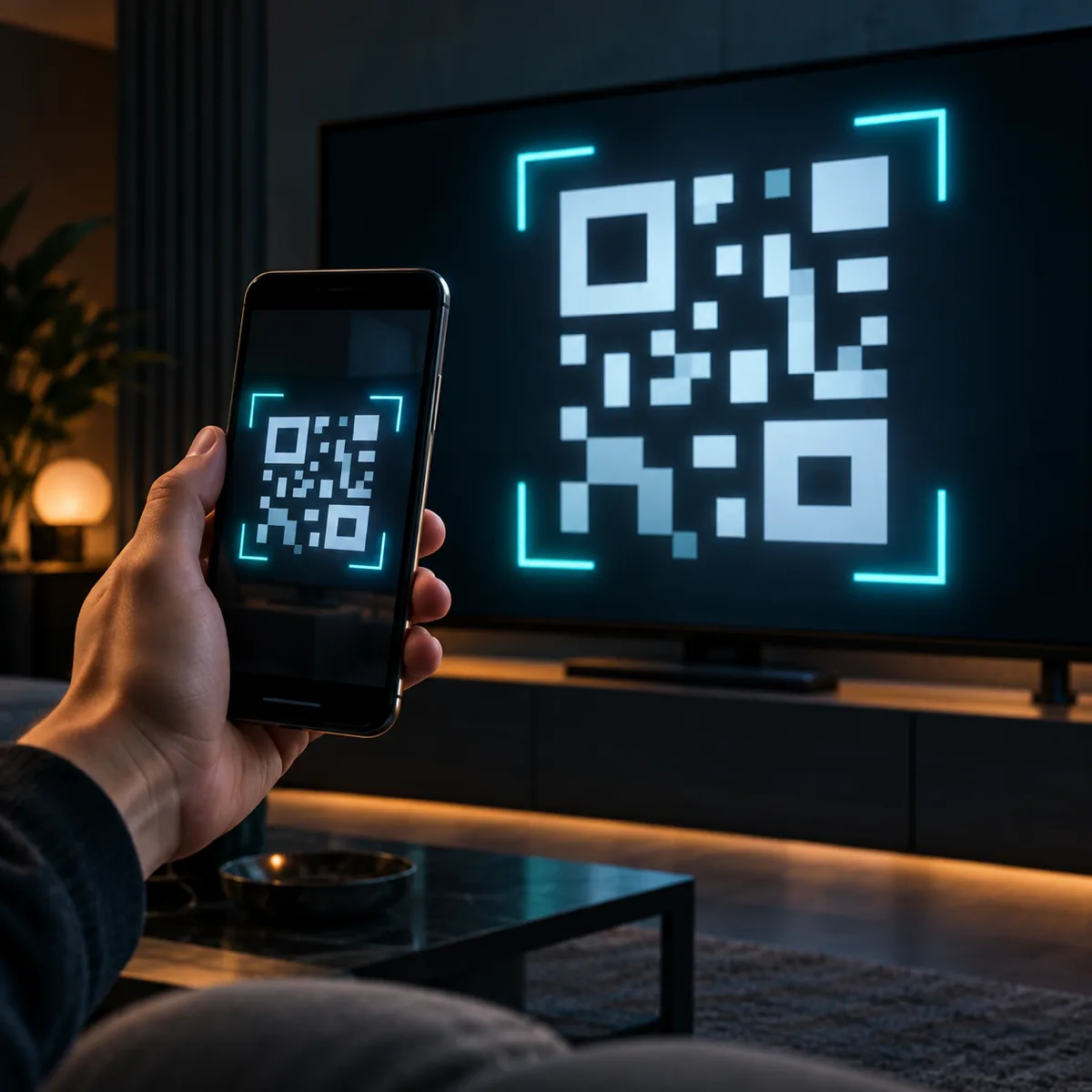
A hand holds a phone showing a QR code, pointed at a television that shows the same code.

Sign in

A QR code, not a keyboard

The car screen shows a QR code. You approve it on the phone you already signed in on. No password to type while you are sitting in the car. The same sign-in works on a TV.

Glowing rewind arrows curve over a row of programme cards, above a bright timeline scrubber.

Catch-up

The guide, and what already aired

A full programme guide shows what is on now and what is next. On channels that support catch-up, start the current programme from the beginning or watch something that has already aired.

A curved wall of colourful abstract film posters in a dark room.

On demand

Movies and series

Browse the films and series on your own subscription. Search across live channels, movies and series without scrolling the whole catalogue.

How it works

Set up once on your phone or computer. The car only has to show a code.

  1. 01

    Add your Xtream account

    Enter the server, username and password from your provider. tesiptv checks that the account works.

  2. 02

    Pick your categories

    Keep the groups you watch and hide the rest. Favourite channels stay pinned, so the list stays small.

  3. 03

    Scan the QR code in the car

    Open the player on the car screen, scan the code with your phone, and approve it. Then press play.

Launch pricing

A free 7-day trial with the full player, then a monthly plan or a yearly plan. These figures are placeholders.

7-day trial

EUR 0 for 7 days

  • Full functionality
  • Starts when your Xtream account connects
  • 2 devices, one stream at a time
Start free trial

Monthly

EUR 2 a month

Launch pricing, subject to change

  • About EUR 2 a month
  • Auto-renewing
  • Cancel anytime
  • One stream at a time
Start free trial

Launch pricing, subject to change. The trial is 7 days of the full player and starts when your Xtream account is added and the check succeeds, not when you first open this page. Paid plans renew automatically until you cancel. You can cancel anytime. Only one stream plays at a time on an account.

In the car

The player is meant for a parked car, at arm's length, with large targets and nothing to type.

Parked only

Watch when the car is parked. Do not use the player while driving.

Full screen

The app can prompt you to go full screen, so the browser bars stay out of the picture. You can dismiss that prompt for the visit.

Nothing to type

Sign in with the QR code on your phone. Long forms stay on the phone or the computer, not on the car screen.

Questions

What is Xtream Codes?

Xtream Codes is a common account system used by IPTV providers. Your provider gives you a server address, a username and a password. tesiptv uses that account to fetch your channels, guide, catch-up, movies and series. tesiptv is not Xtream Codes, and it is not your provider.

Do you provide TV channels?

No. tesiptv does not supply any TV channels, films, series or other programmes. You bring a subscription you already have the right to use. If a channel is missing, or the provider is down, that is between you and your provider.

Which cars and browsers work?

Any browser that can play H.264 video. The Tesla in-car browser is supported. Phones, tablets, laptops and TVs work when their browser can play H.264. In a car, use the player only while parked.

How many devices can use one account?

The free trial allows 2 devices. A paid plan allows more devices. Every plan plays one stream at a time. A second device can watch the channel that is already playing. A different channel is refused until that stream stops.

How does the free trial work?

The trial lasts 7 days and includes the full player. It starts when your Xtream account is added and the check succeeds, not when you first visit the site. After that you can choose the monthly plan or the yearly plan. The prices shown here are launch pricing and may change.

Can I cancel?

Yes. Monthly and yearly plans renew automatically until you cancel, and you can cancel anytime. The final terms, including what happens at the end of a paid period, are still a draft and must be reviewed by a lawyer before launch.

What happens to my data?

The player needs an account, the Xtream sign-in that fetches your list, your favourites, and basic device details. The privacy page is a draft. It says we do not sell personal data. A lawyer has not reviewed it yet, so do not treat it as the finished policy.